
How to bulk update the products HSN code and GST rate via Collection

Gaurav S
Last Update vor einem Monat
You can bulk assign the GST rate(HSN code) for the products assigned to the collections.
1. Go to Sleek dashboard > Products
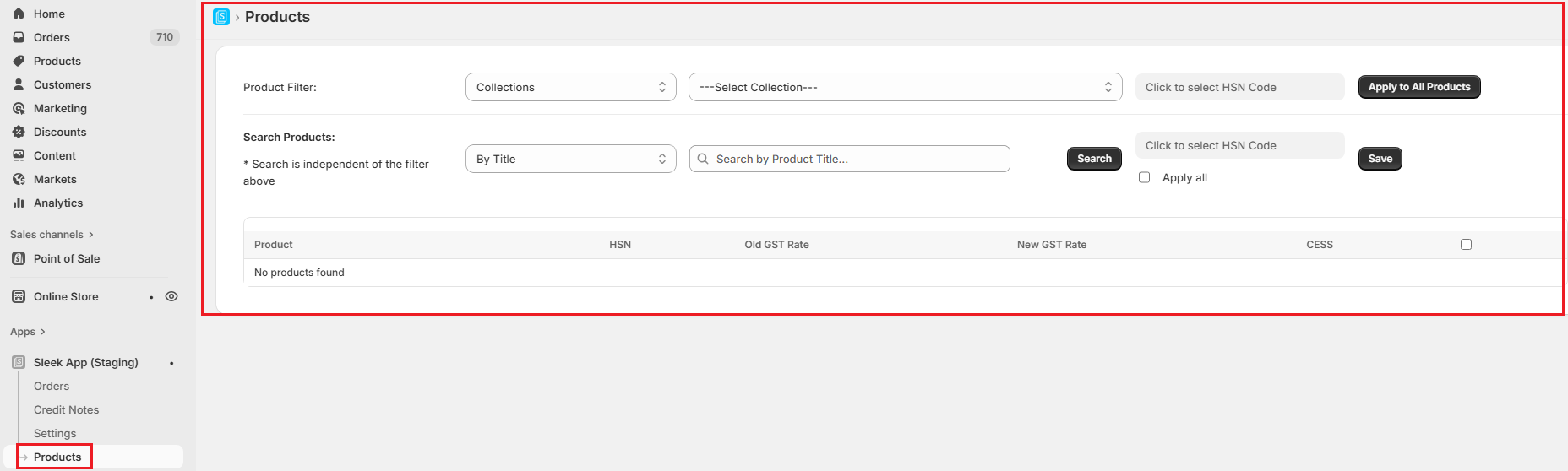
2. Select the collection from the dropdown. Here you will find the list of all the collections created in your Shopify admin.
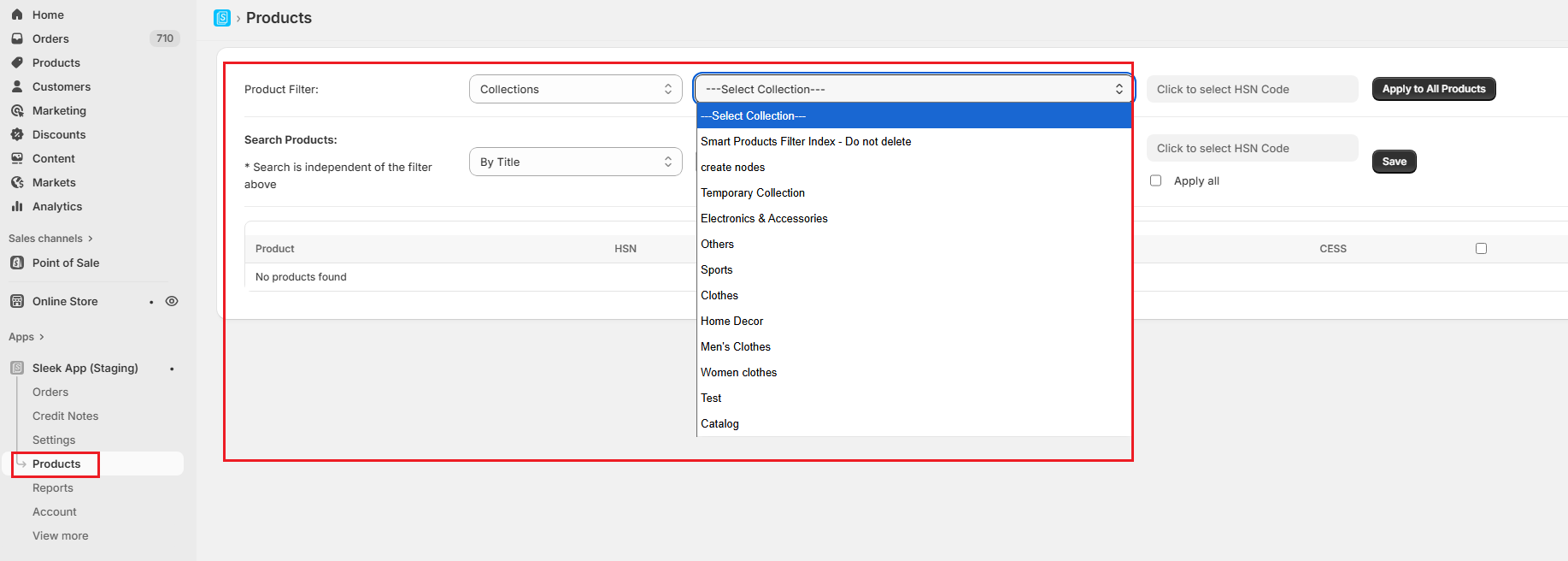
3. Select the Default HSN code and GST rate for that particular collection and hit Save. Once saved, the default values will be set for the products present in that particular collection.
Note:
1. If the same products are added to the multiple collections, then the rate of the last collection will be applied.